Build a menu around your work
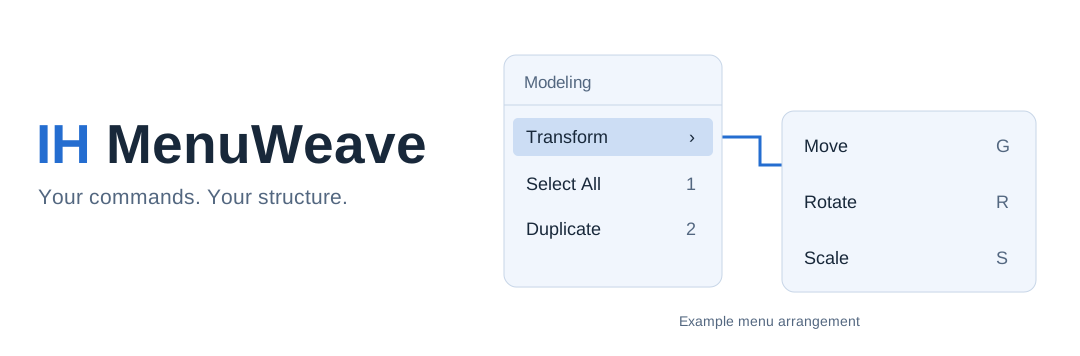
Arrange Python actions inside named, colored folders. Add nested branches, reorder siblings, and move or duplicate a complete setup.
Stay close to the cursor
Reopen a menu with your last visible choice under the cursor. The popup fits the editor, adapts to its contents, and wraps long lists into columns.
Choose when shortcuts apply
Combine workspace, editor, and Blender mode filters. Root menus control availability for their whole branch.
Work with or without the popup
Use a root shortcut to open a menu, or enable Global Priority to run its configured action shortcuts directly.
Repeat without rebuilding the action
Repeat a compatible Blender operation or the last successful menu script through native Repeat Last. Supply custom repeat code when the second run needs a different sequence.
Take your setup with you
Export everything or just one branch as JSON. Replace a configuration or append independent menu trees with fresh internal IDs.
Organize commands into colored, nested menus and navigate them from the keyboard. Configurable root hotkeys bring your menu hierarchy within reach while preserving existing keymaps.